Sol
A real-time solar system sandbox built in Unity, featuring physically-inspired planet shaders, free flight, and an orbit camera mode for each celestial body.
video
screenshots
about
About the Project
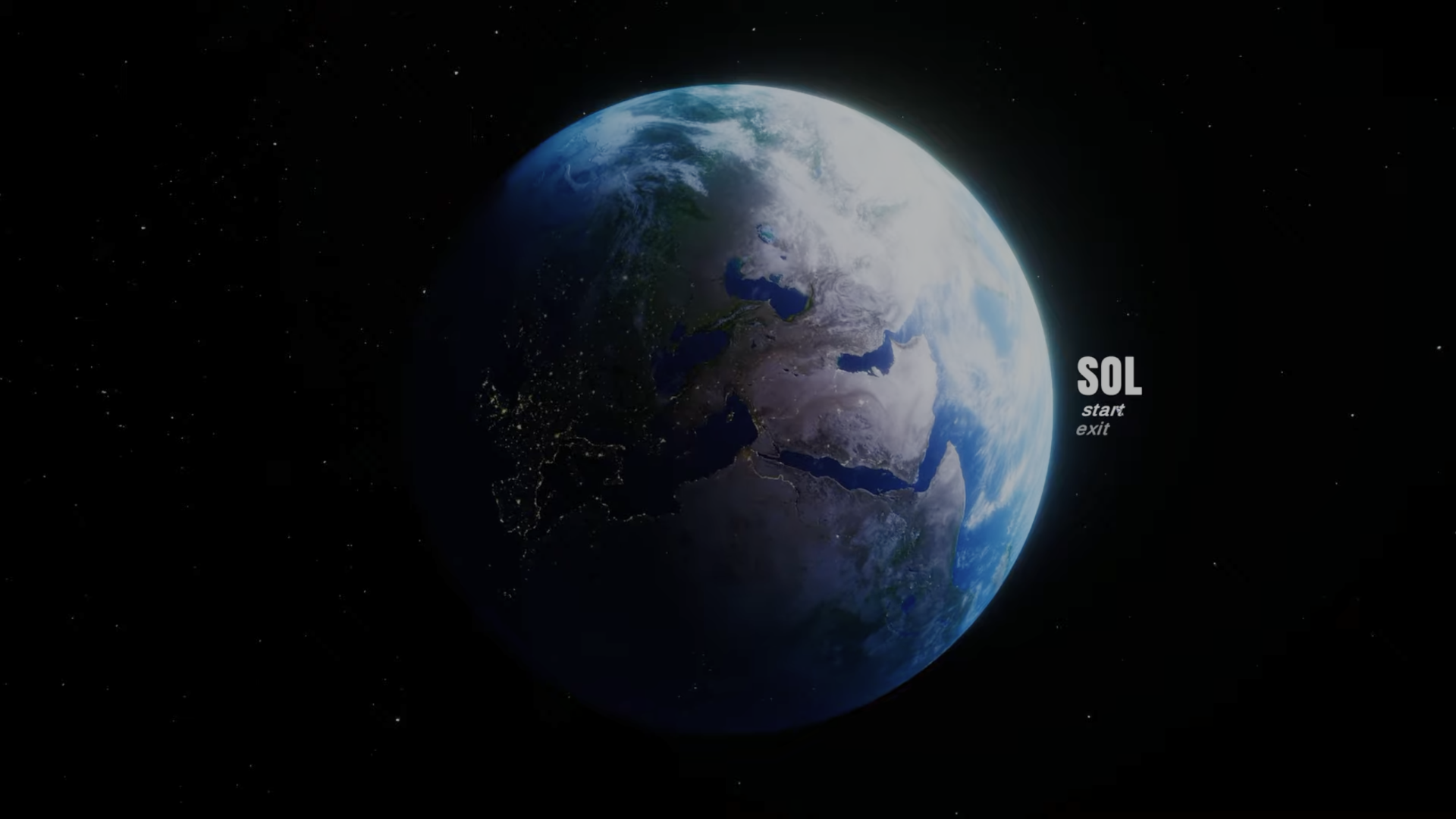
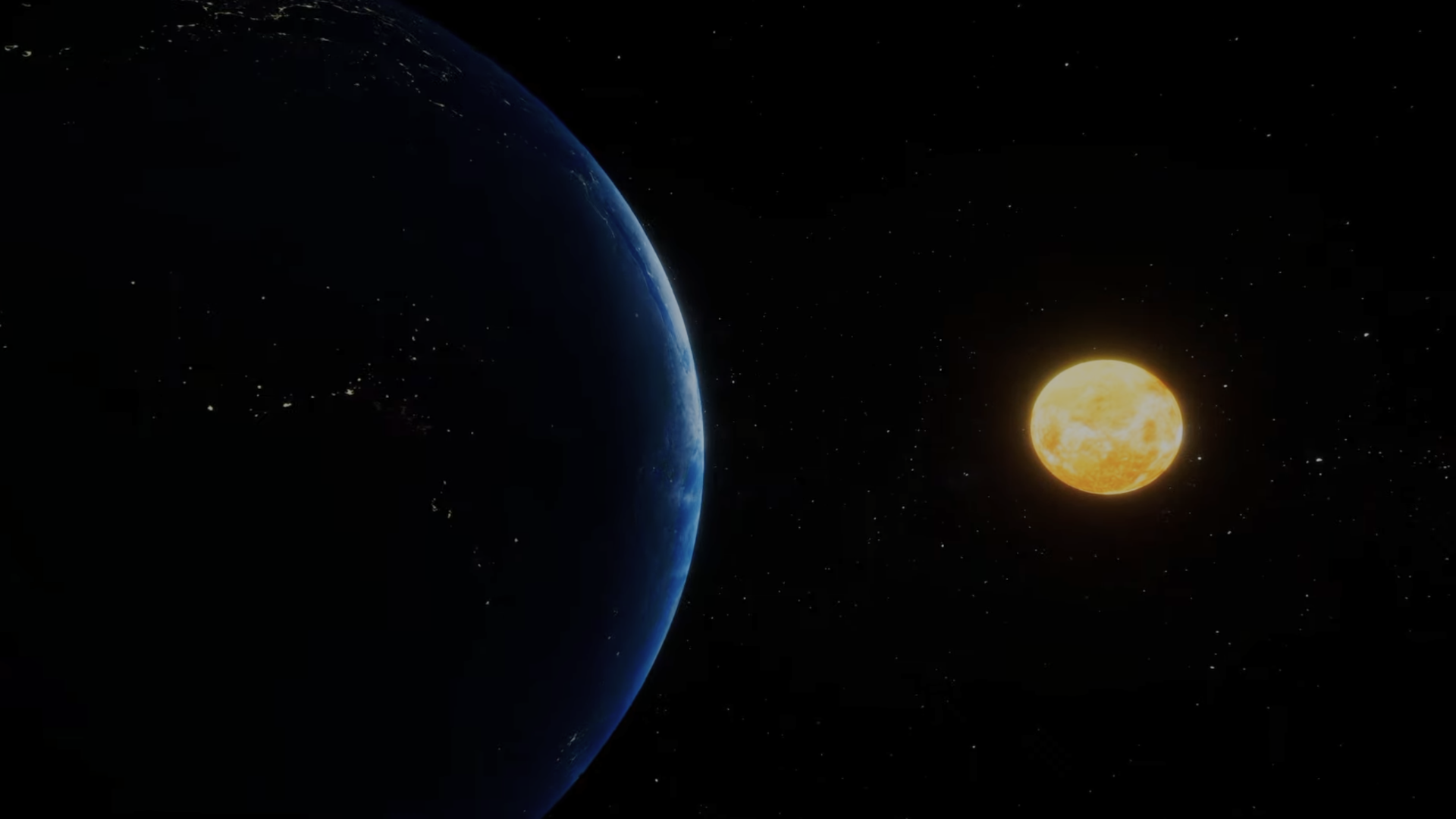
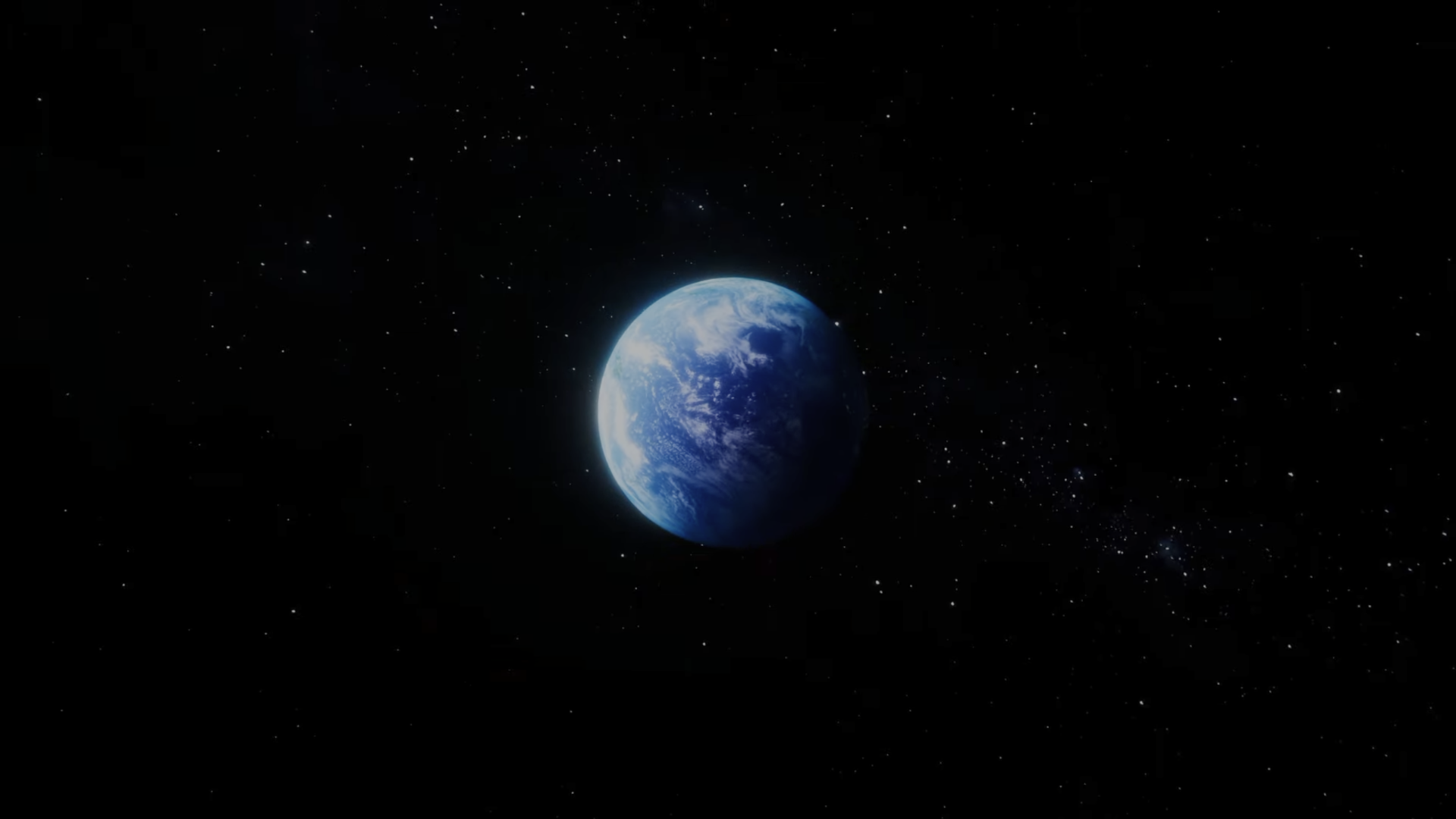
Sol is a real-time sandbox simulation of the Earth, Moon, and Sun. There's no objective — just a space to explore and observe. The player can fly freely through the scene or lock into an orbit camera that smoothly tracks any celestial body.
The project started as a C++ and OpenGL renderer, built from scratch while working through learnopengl.com. That version was a real technical challenge — it forced me to learn shader programming and graphics pipelines at a low level. I later rebuilt it in Unity to improve playability and development speed, bringing everything I'd learned about shaders into Unity's Shader Graph.
The Earth Shader
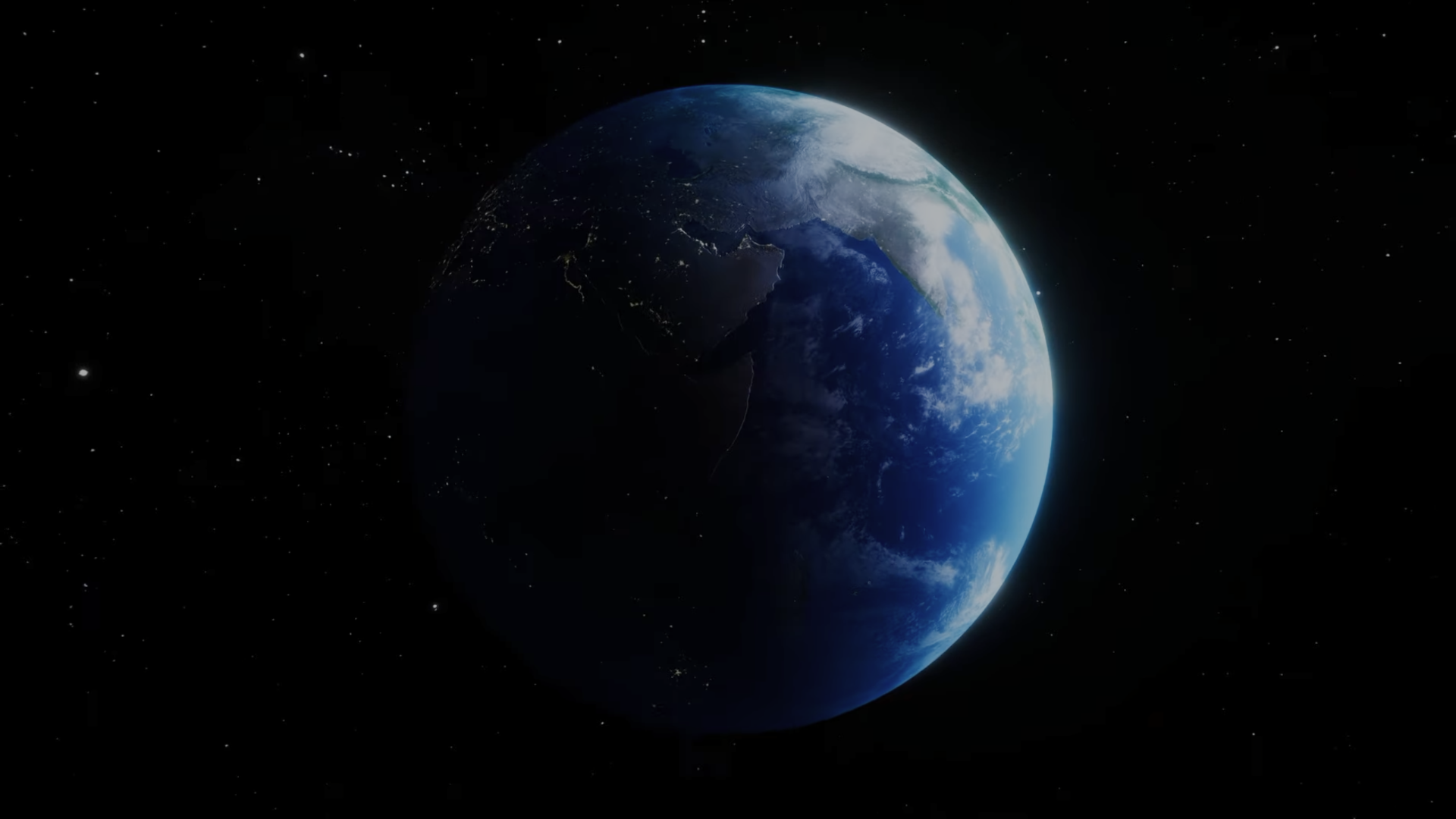
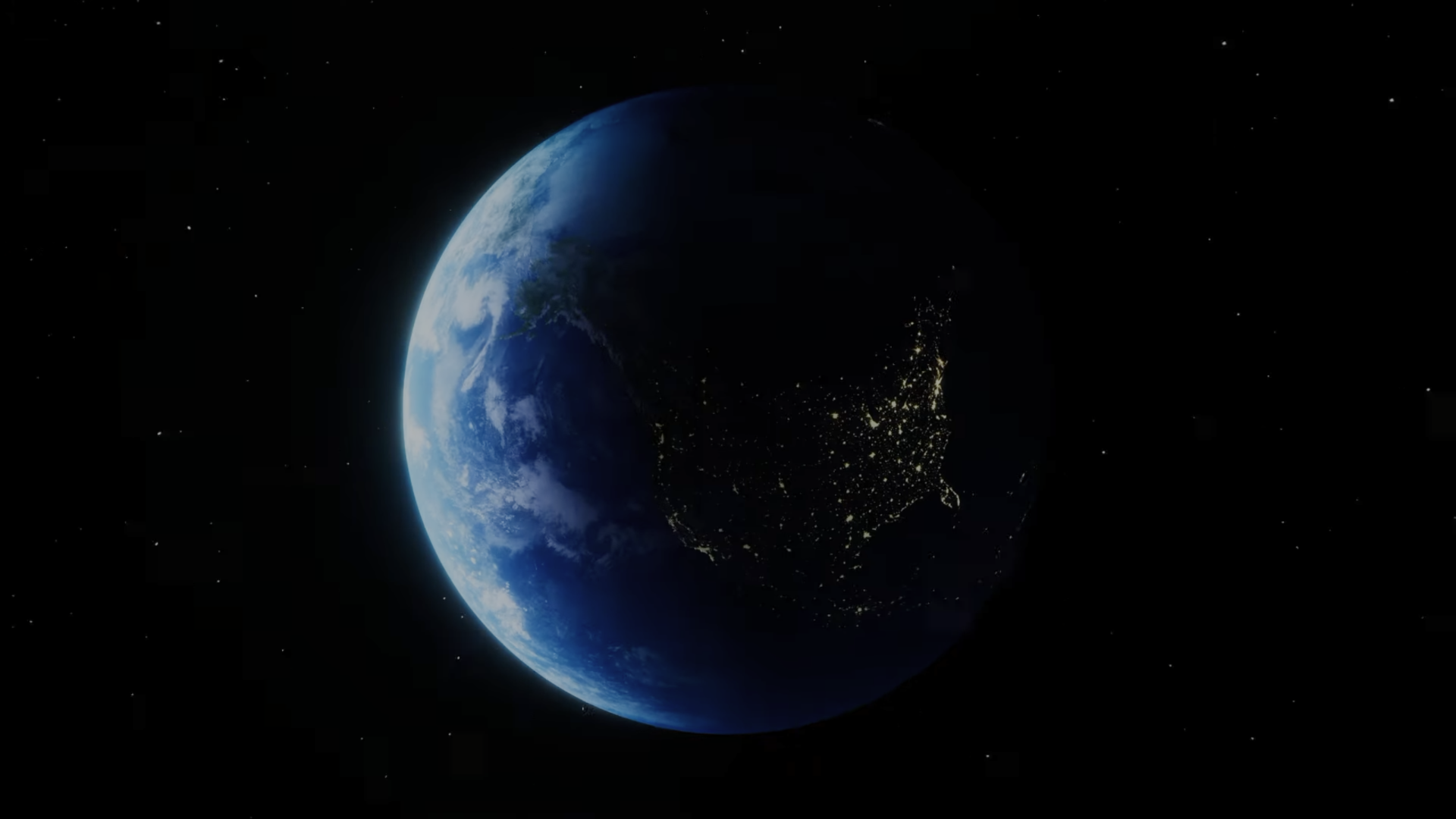
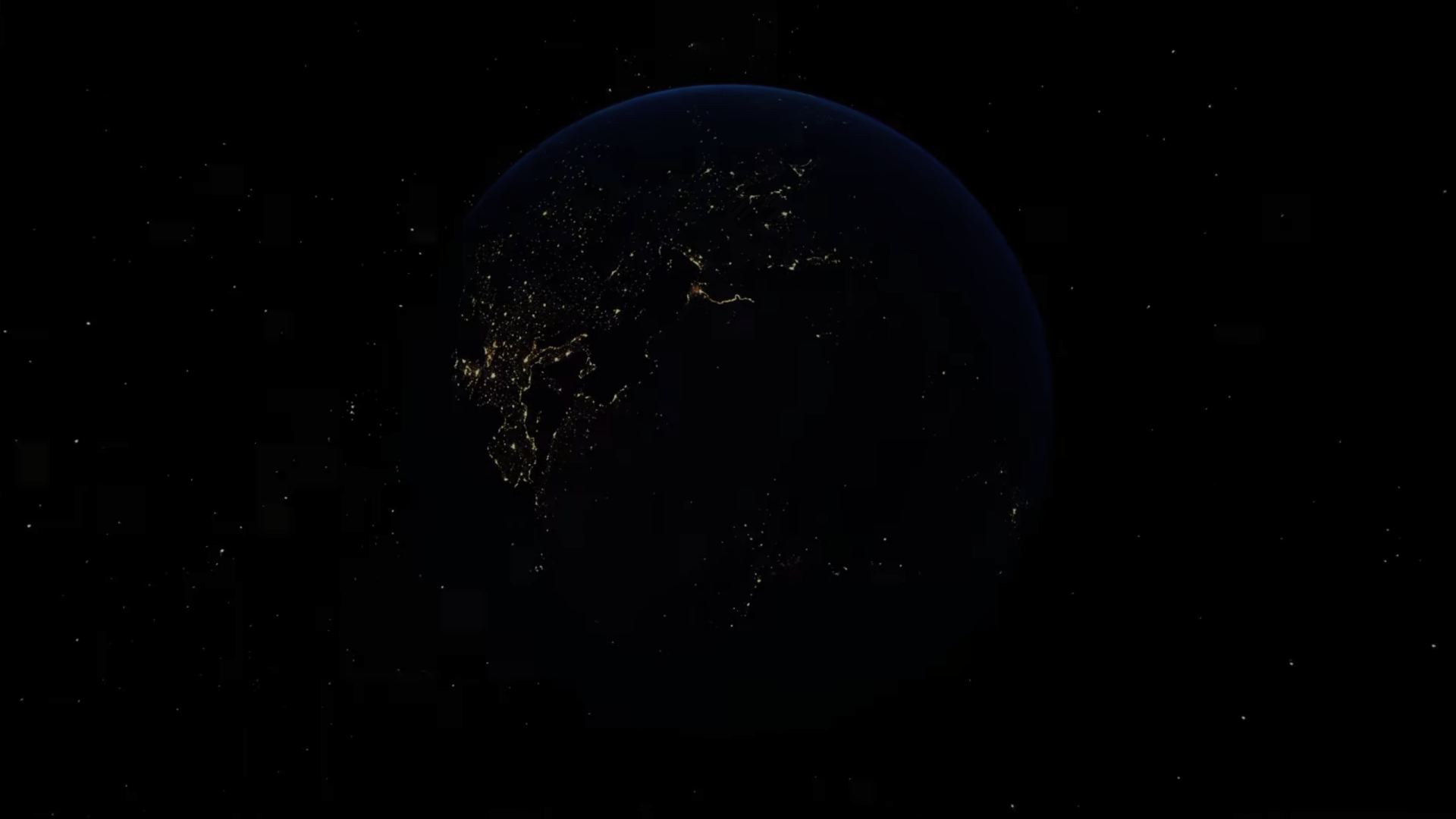
The most technically involved part of the project is the Earth material. It uses multiple animated shader layers working together: clouds that spin and move independently of the surface, ocean water that waves, stretches, and compresses over time, and a day/night terminator that reveals city lights on the dark side of the planet — flickering as if seen from orbit. The textures are sourced from Solar System Scope, an open source library of high-resolution planetary textures.
Features
Free-flight camera with full six-degrees-of-freedom movement, orbit mode for each celestial body, animated Earth shader with clouds, oceans, and city night lights, animated Sun surface shader, and a relatively static but detailed Moon material.
tech breakdown
The project is built in Unity using the Universal Render Pipeline (URP) and Shader Graph for all planet surface materials. Each celestial body has its own shader — ranging from the relatively simple Moon material to the multi-layered Earth shader with animated cloud, ocean, and city light passes.
Before the Unity version, I built an earlier implementation in C++ with OpenGL, following the learnopengl.com tutorial series. That version gave me a solid understanding of how shaders work at the API level — vertex and fragment shaders, texture sampling, uniforms — which made working in Shader Graph significantly more intuitive.
what i learned
Building the original OpenGL version was one of the most educational things I've done as a developer. When you're writing raw GLSL and managing your own render loop, there's nowhere to hide — you have to understand what's actually happening at every stage of the pipeline. That foundation has made me a much more confident graphics programmer.
The Earth shader taught me a lot about layering and compositing shader logic. Each effect — clouds, oceans, city lights — is relatively simple on its own, but combining them convincingly required careful thought about blending modes, UV animation, and texture masking.
Rebuilding in Unity was also a useful lesson in knowing when to reach for a higher-level tool. The OpenGL version proved the concept and built my understanding. Unity let me focus on the experience rather than the infrastructure.